Fault on the cable carrier?Start with the symptom.
A broken carrier, cables that keep failing, noise or rapid wear: each symptom has a few typical causes. Choose what you see: for each fault the cause and a step-by-step plan to fix it yourself. If you cannot work it out, we will help.
By symptom
Choose the symptom
Per fault: how to recognise it, what the cause usually is, how to fix it yourself and when it is better to call.
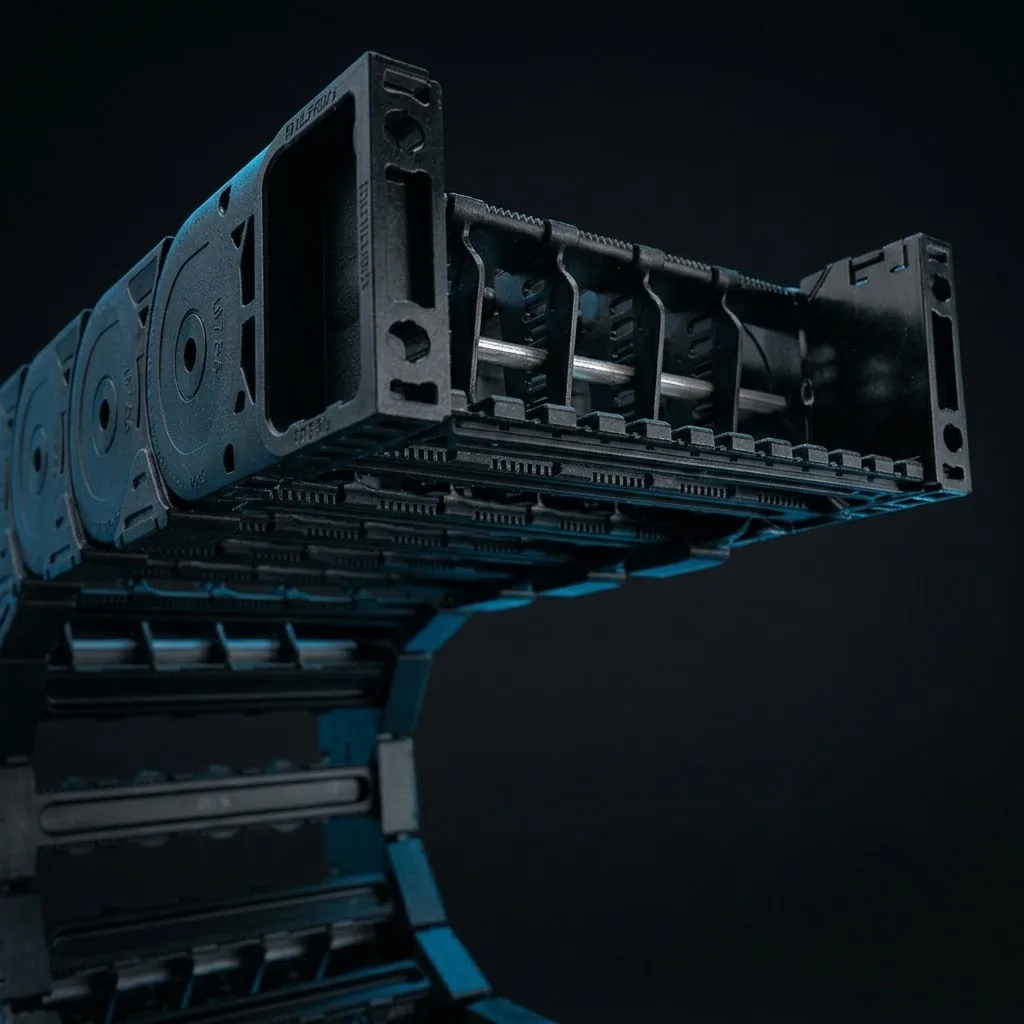
- Cable carrier breaksBroken links, loose cross bars or a carrier that falls apart.Broken links, loose cross bars or a carrier that falls apart.
- Cable break in the cable carrierCables that keep failing, intermittent signals or failing motors.Cables that keep failing, intermittent signals or failing motors.
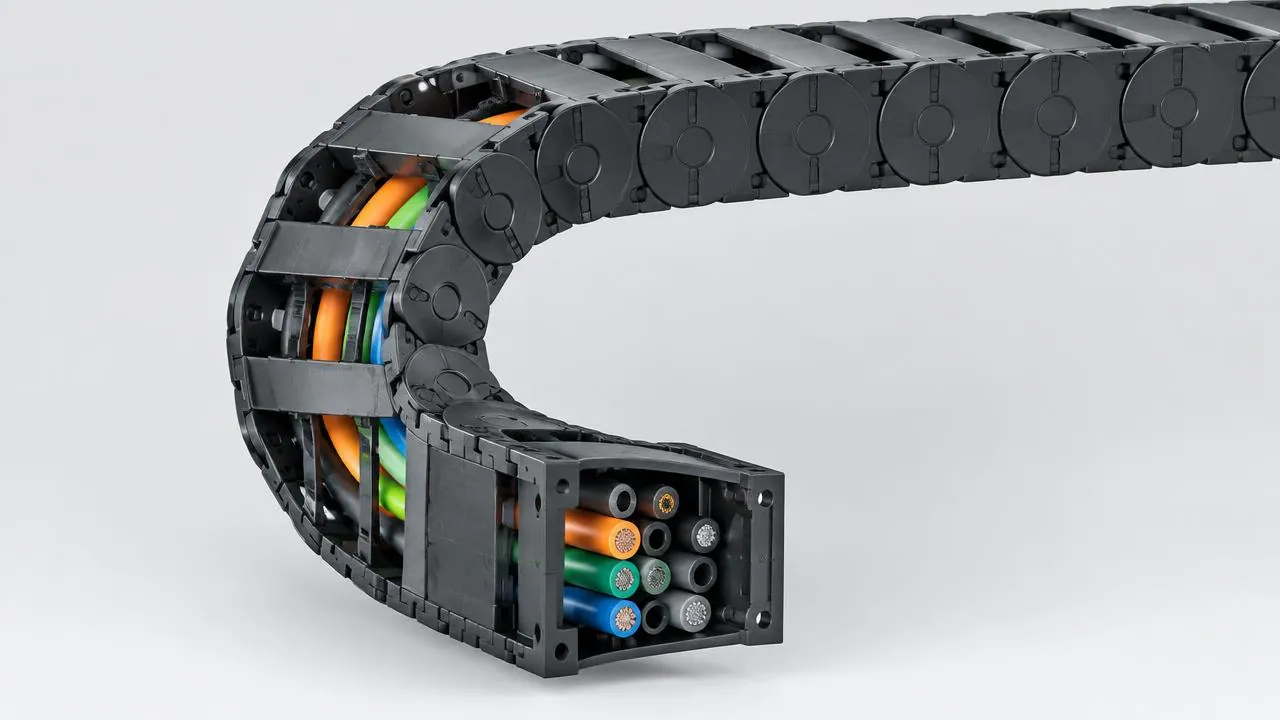
- Cable carrier makes noiseRattling, clacking or squeaking with every movement.Rattling, clacking or squeaking with every movement.
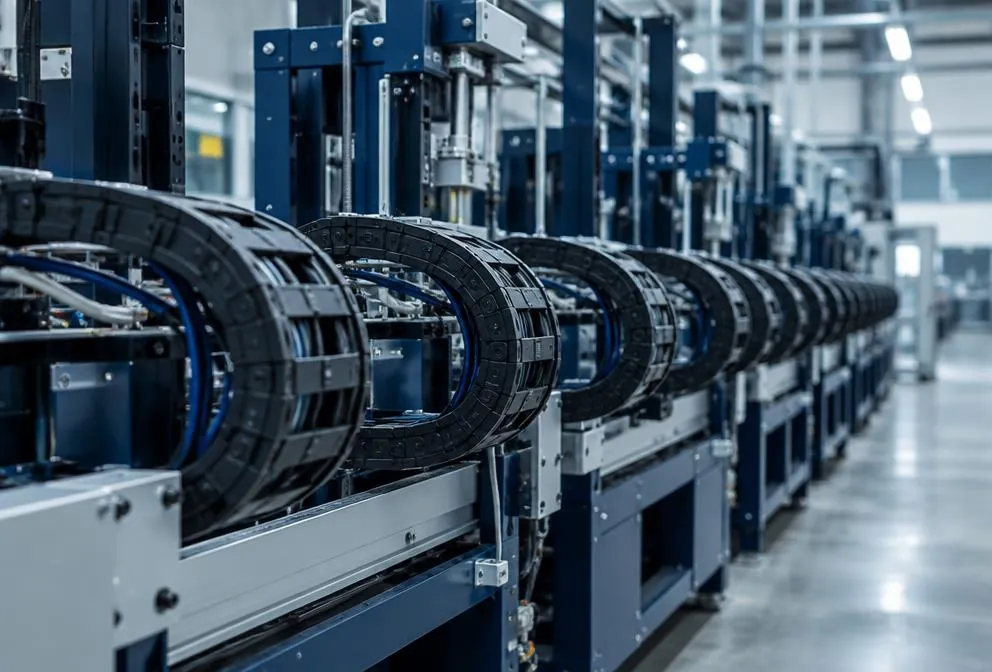
- Cable carrier runs out of the channelWith long travel lengths: the carrier jumps out of the channel or rides over itself.With long travel lengths: the carrier jumps out of the channel or rides over itself.

- Cable carrier wears quicklyWorn side plates, sliding surfaces or hinges after a short time.Worn side plates, sliding surfaces or hinges after a short time.
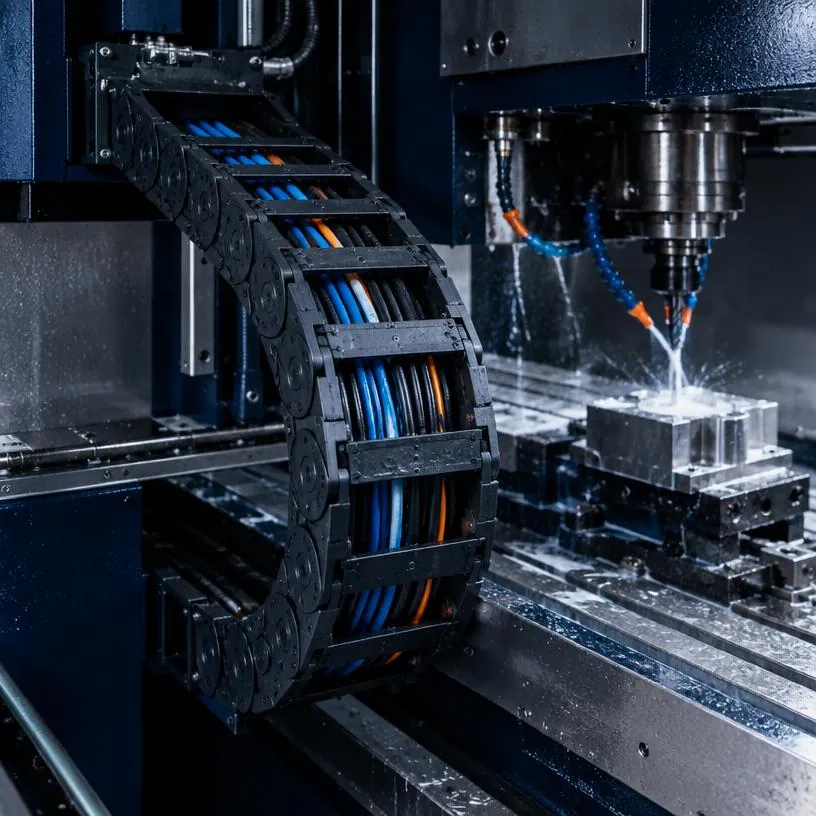
- Cables twisting in the carrierCables that start to coil or creep out of the carrier.Cables that start to coil or creep out of the carrier.

Our approach
Not just replacing
A new carrier or cable only fixes a fault temporarily if the cause remains. We first find out why it went wrong.
- 01Record the cause
- Carrier, installation, movement and cable package looked at as a whole.
- 02Calculate
- Weight, travel length, speed and radius go through the same calculation rules as the configurator.
- 03Restore
- Repair where possible, replace where necessary, with the right series.
- 04Prevention
- Inspections with RupsInspect, so wear becomes visible in time.
Next steps
From fault to solution
Do you already know what is broken, or do you want to prevent it happening again? Continue straight from here.
- 01Not sure what the cause is?Check your carrier with the carrier check: short questions, a status and the faults that match your answers.
- 02Carrier worn out? Find a replacementEnter the dimensions of your current cable carrier, of any brand, and see which types fit in the same space.
- 03Request a partLinks, crossbars, end connectors or strain relief, by article number or from the overview.
- 04Have repairedShortening, replacing links, new cables or conversion in our workshop.
- 05Maintenance and inspectionHave it inspected periodically, so that you replace before the machine stops.
Downloads
Check and fix it yourself
The checklist for your own inspection, plus the guides and documentation you need most often when something fails.
- ItemSpotting wearWhat to look for during a check: links, guidance, cables and sag.View
- ItemReplace or repair?When a local repair is enough and when replacing is smarter.View
- ItemAssembly tips for cable carriersStress-free routing, strain relief and alignment: how to prevent a repeat.View
- PDF · STEPDocumentation and CADDatasheets, dimensions and 3D models per series, for a matching replacement.View
Maintenance checklist
18 checkpoints to inspect your cable carriers yourself, as a printable PDF. With an empty column for the intervals that suit your machine.
- Cable carrier
- Guidance
- Cables and hoses
- Environment and operation
Prefer to inspect digitally? View RupsInspect
Frequently asked questions
Questions about faults
Fault
Is the machine at a standstill?
Call now.
Send a photo or video of the carrier and tell us what is happening. A specialist will look into it with you.
- Phone+31 88 002 3500
- E-mailverkoop@wisman-techniek.nl
- AvailableMon–Fri 08:30–17:00





11 specialists in Ruurlo
You speak directly to someone who knows.