Cable carrier making noise?Noise is a signal.
A cable carrier should run smoothly. Rattling, clacking or squeaking means something is rubbing, hitting or wearing. Sometimes it is a matter of adjusting, sometimes the carrier is not suitable for the speed.
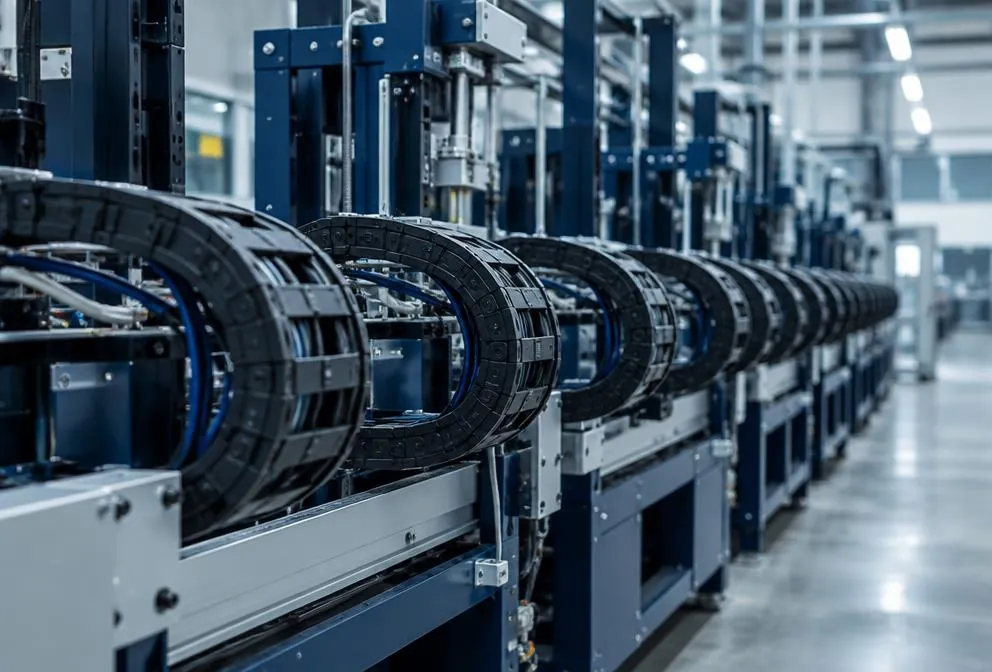
Is the noise getting worse quickly, or are bits of plastic coming out of the carrier? Have it checked before it breaks.
Symptoms
Do you recognise this?
- Rattling or clacking noise when unrolling
- Squeaking or grinding on every stroke
- Vibration in the machine that moves along with the carrier
- Noise that gets worse over time
You can check this yourself
- Does the noise come from the bend or from the straight section?
- Does the carrier touch the machine or the trough anywhere?
- Is there noticeable play in the links?
- Has the machine speed been increased?
Causes
What it is usually down to
Often several causes play a role at once. We look at the carrier, the installation and the movement together.
Let us take a look Do you already know which part is broken? Request it straight away01Polygon effect
Each link drops briefly as it rolls off. At high speeds and a large pitch that becomes audible. Quiet series with a small pitch or a damped stop run much more smoothly.
02Gliding without a channel or on a poor surface
A gliding carrier that rubs on a rough or wrong surface makes noise and wears quickly.
03Worn hinges
Play in the hinge points causes rattling and is a sign that the carrier needs replacing.
04Rubbing
The carrier touches the machine, the channel or a cable tray and clicks with every stroke.
Step by step
Fix it yourself
Have a fitter in house and want to do it yourself? This is the order we follow too.
- Level
- Simple
What you need
- Torch
- Possibly new gliding shoes or guide parts of the same series
Safety first. Only work on a machine that is stationary, de-energised and locked out against switching on. Secure axes that can move or drop. Follow your company's safety rules.
- (01)
Locating the source of the noise
Let the machine move slowly and listen for where the noise comes from: the bend, the channel or the self-supporting section.
- (02)
Tracing rubbing
Look for scuff and polish marks on the carrier, the channel and the machine. That is where the carrier touches something it should not.
- (03)
Clean the channel and carrier
Remove swarf, dirt and grease from the channel and between the links. Do not use solvents on plastic.
- (04)
Replace worn parts
If the sliding shoes or the underside of the links are worn thin, replace those parts.
When to stop
Does it sound like creaking or clicking on every stroke, or does the carrier visibly sag? Then there is more going on than dirt or rubbing.
Solution
Prefer to have it fixed? This is how we do it
Not just replacing, but making sure it does not happen again.
- 01Find the source
- We determine whether the noise comes from the carrier itself, the surface or the run-in.
- 02Adjusting and guiding
- Aligning, a guide channel or glide strips already solve a lot of noise.
- 03Quieter series
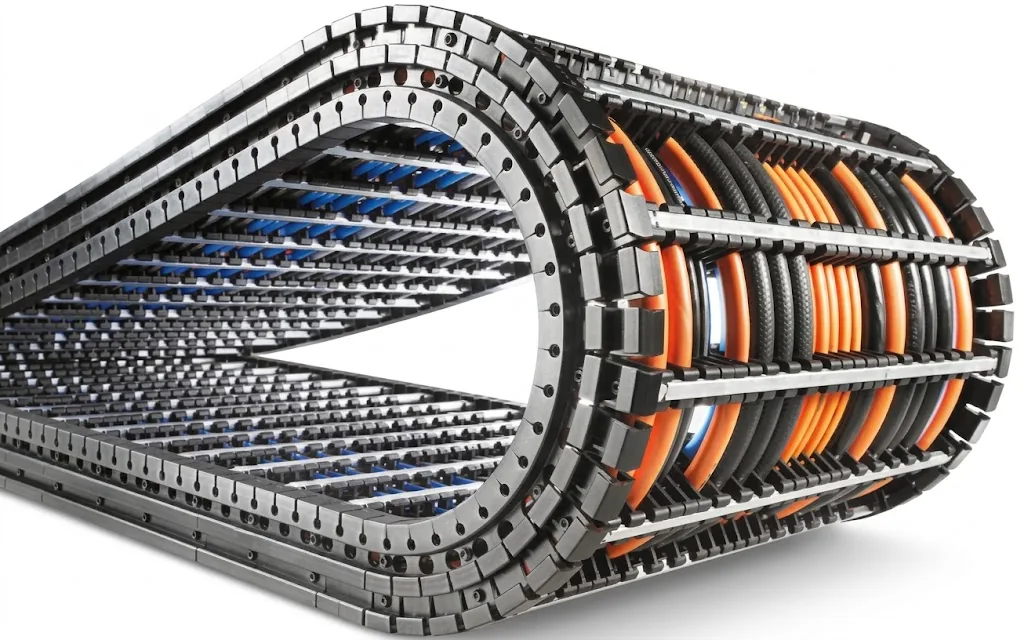
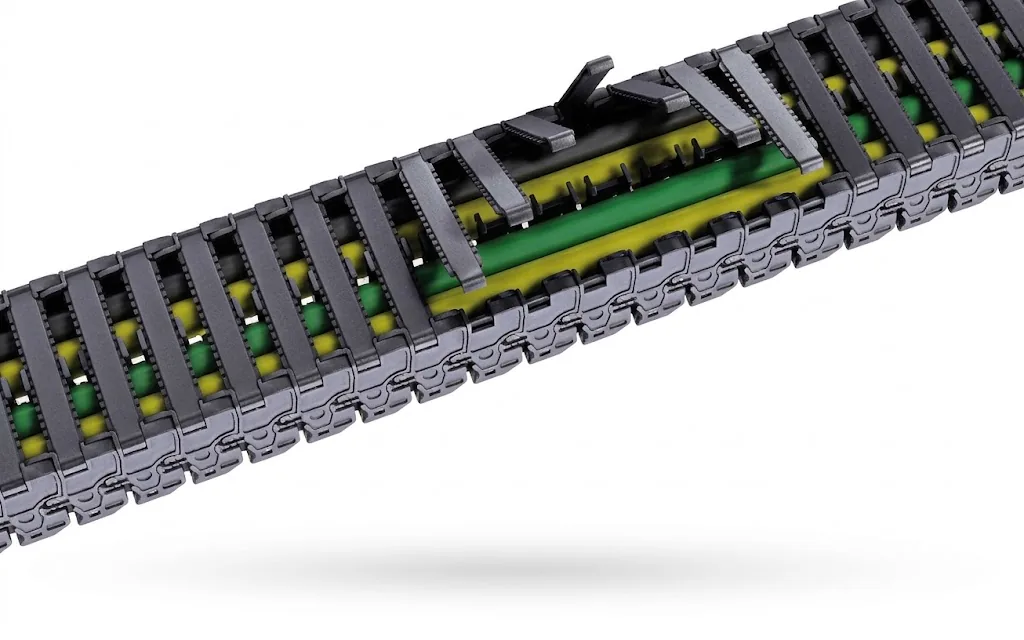
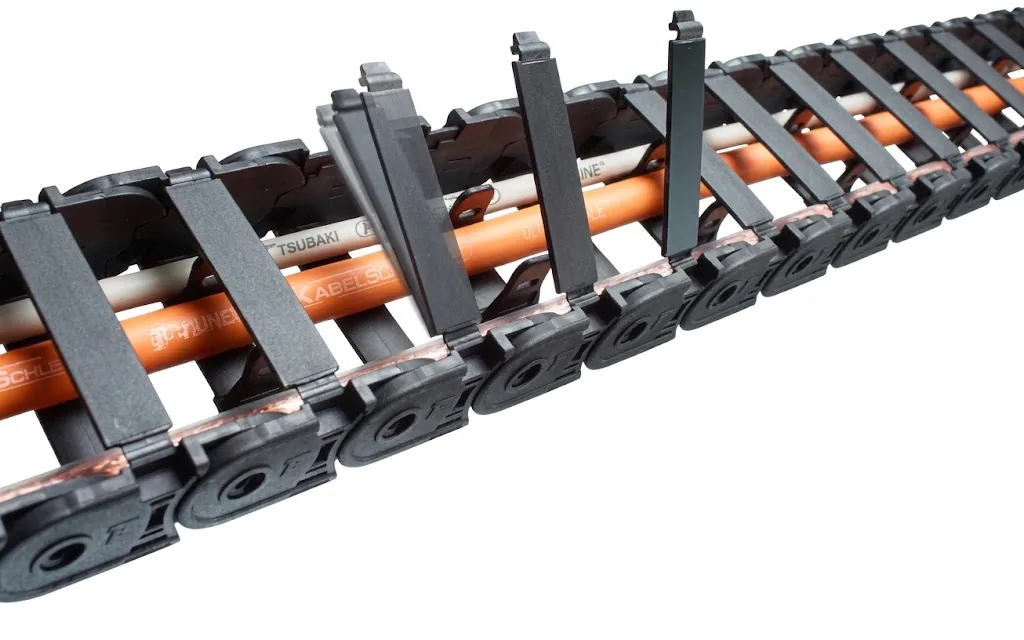
- At high speeds we recommend a series designed to run quietly and with low vibration.
Range
Series that prevent this
Frequently asked questions
About: cable carrier makes noise
Troubleshooting guide
Other faults
Fault
Prefer us to
take a look?
Send a photo or video of the carrier and tell us what is happening. A specialist will look into it with you.
- Phone+31 88 002 3500
- E-mailverkoop@wisman-techniek.nl
- AvailableMon–Fri 08:30–17:00





11 specialists in Ruurlo
You speak directly to someone who knows.