Short answer
The bending radius of a cable carrier is at least 7.5 times the diameter of the thickest cable or hose, or the minimum bending radius from the datasheet if that is larger. With many movements per day, it is better to use 10 times the diameter. Then choose the next available radius in the series.
The minimum bending radius of a cable carrier is 7.5 times the diameter of the thickest cable or hose in the package, or the datasheet value if that is larger. For many movements per day, use 10 times the diameter. That one choice determines how long your cables last and how tall the cable carrier becomes in your machine.
Too tight means cable breakage, sooner or later. Too generous costs installation height you may not have. Below you can read how to determine the radius step by step, with a worked example and the rules the bending radius calculator also uses.
What is the bending radius of a cable carrier?
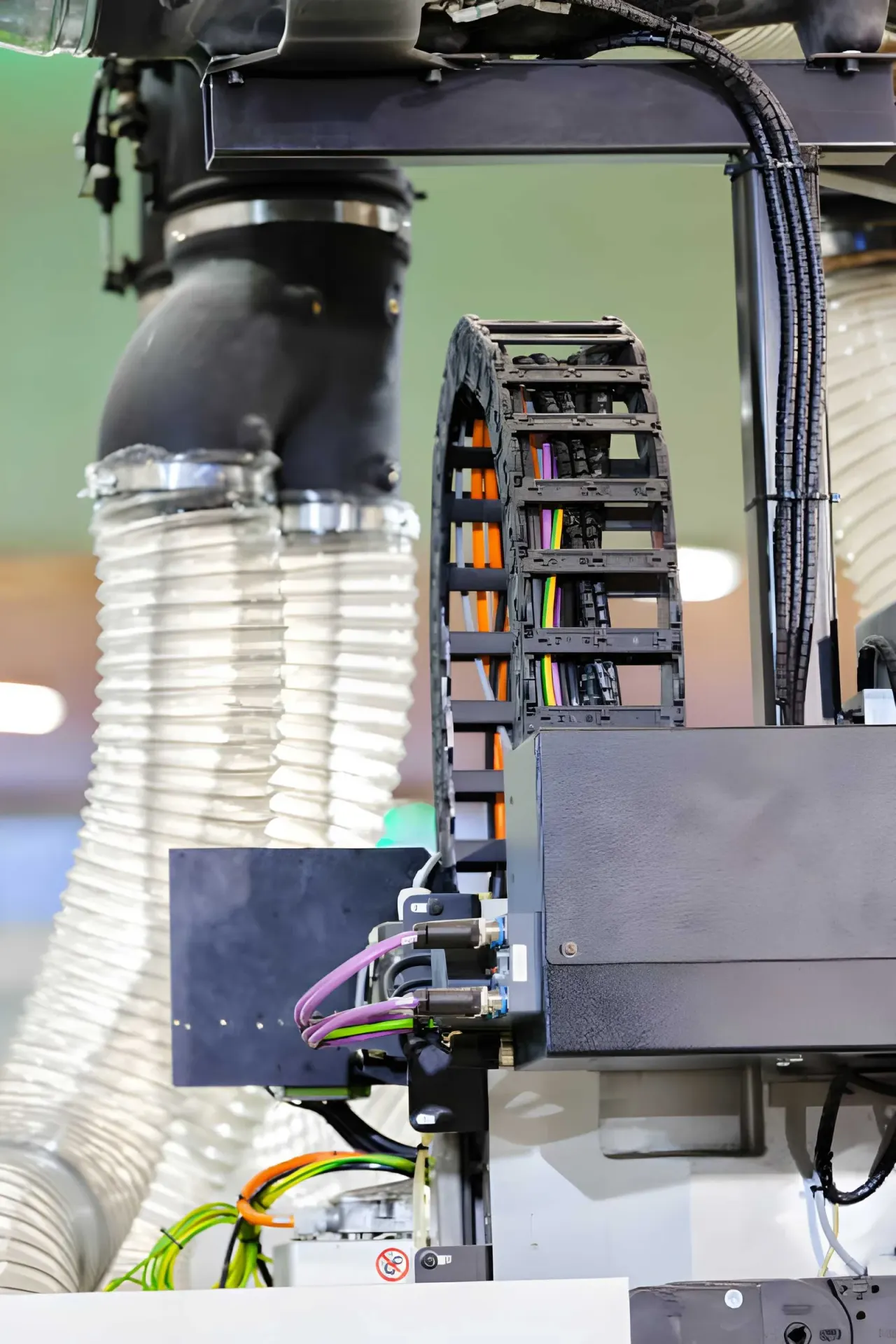
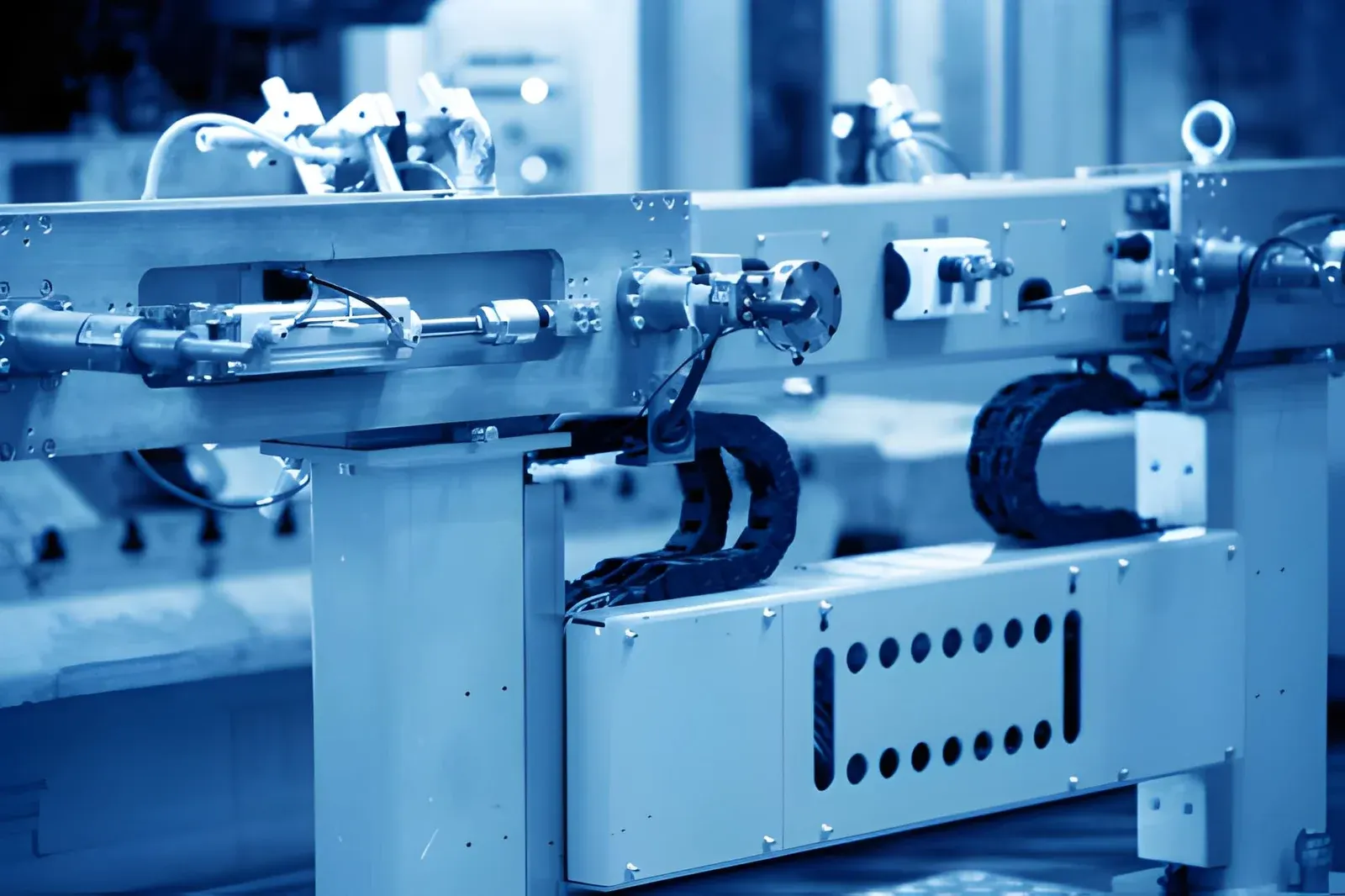
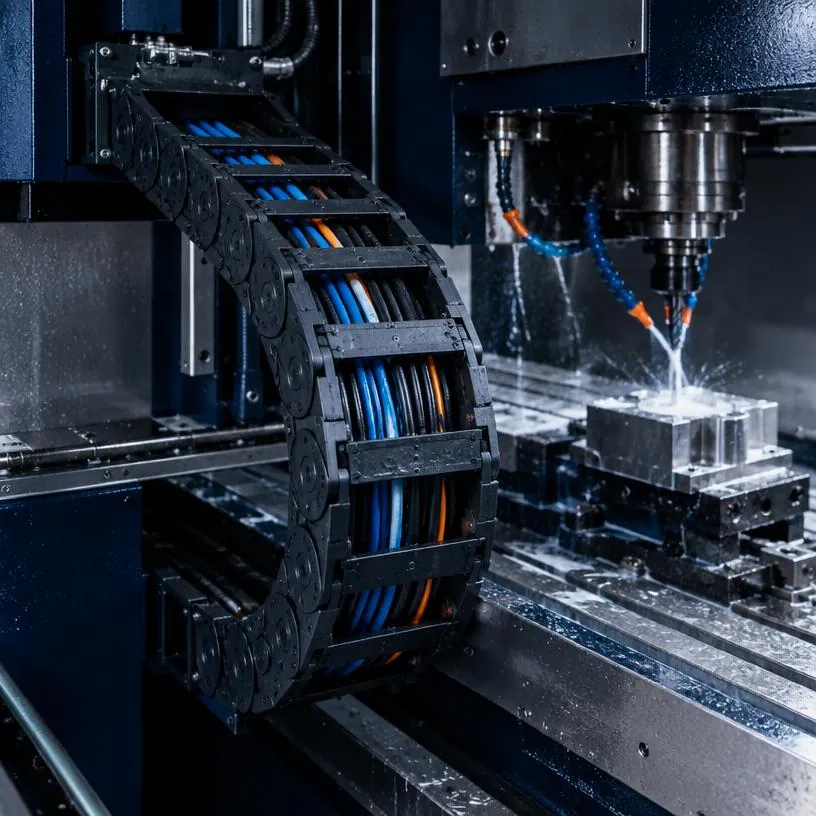
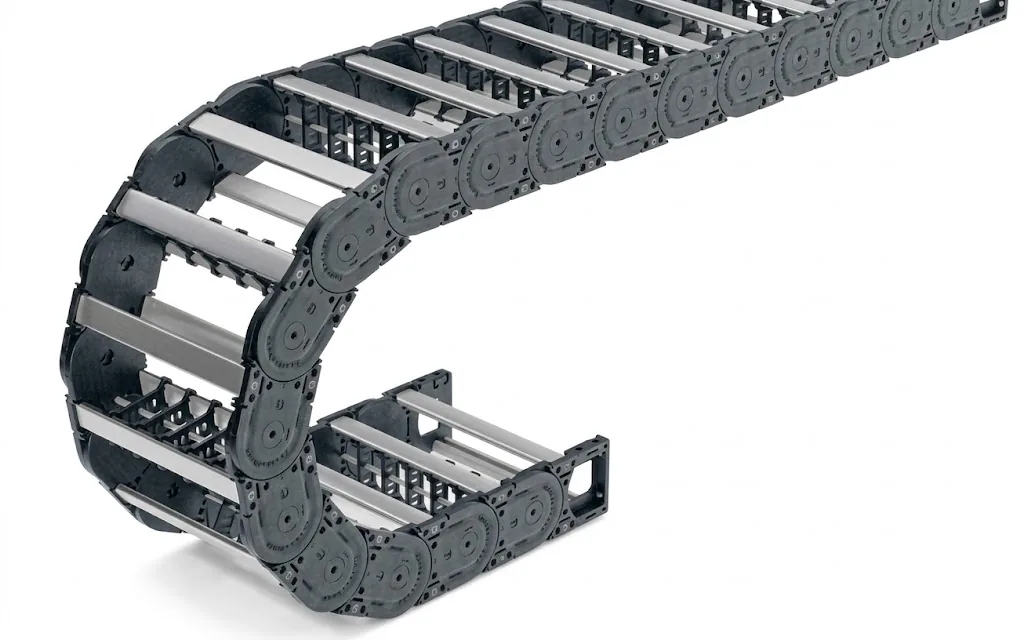
The bending radius, also called KR, is the radius of the bend the cable carrier makes as it rolls. All cables and hoses in the carrier follow that bend with every movement. If the radius is below what a cable can handle, the cores are bent too far with every stroke and eventually break.
Each cable carrier type is supplied in a number of fixed radii. So the radius is not a dimension you choose freely, but a choice from the list for that type. Which other dimensions belong to a cable carrier is explained in the article on cable carrier dimensions.
Step 1: look up the minimum bending radius per cable
Every cable and hose has a minimum bending radius for moving applications. It is stated in the datasheet, often as a multiple of the diameter (for example 7.5 × d).
- Highly flexible cables for cable carriers: usually 7.5 to 10 × d
- Standard installation cable: often 12 to 15 × d, and not really suitable for continuous movement
- Hydraulic and pneumatic hoses: see the data sheet, often more generous than for cables
If you do not know the value, the site uses 7.5 times the diameter as the lower limit. If the package contains a cable that is not made for moving applications, no radius will help. Choose a cable that is designed for it: in the Cable finder you can search for a flexible cable from the TRAXLINE range by cores, cross-section and travel length.
Step 2: the thickest or most sensitive cable determines the radius
The carrier bends all cables equally far. That is why the cable with the largest minimum bending radius determines the radius of the whole carrier, even if the signal cables next to it could handle much tighter bends.
The calculation rule on this site is:
- Minimum: KR ≥ 7.5 × thickest diameter
- Generous (many movements): KR ≥ 10 × thickest diameter
- Datasheet larger? Then the datasheet value applies
The result is rounded up to whole millimetres. This table shows what that gives for a few common diameters:
| Thickest cable | Minimum (7.5 × d) | Generous (10 × d) |
|---|---|---|
| 10 mm | 75 mm | 100 mm |
| 16 mm | 120 mm | 160 mm |
| 20 mm | 150 mm | 200 mm |
| 25 mm | 188 mm | 250 mm |
Worked example: motor cable and pneumatic hose
Suppose your package consists of one 20 mm motor cable, four 10 mm control cables, an 8 mm data cable and a 12 mm pneumatic hose. The thickest line is the 20 mm motor cable.
- (01)Minimum: 20 × 7.5 = 150 mm
- (02)Generous: 20 × 10 = 200 mm
- (03)Datasheet check: if the hose states a minimum bending radius of 180 mm, then 180 mm becomes the minimum, because it is larger than 150 mm
Without that hose value you end up at a minimum of 150 mm. The calculator then shows the first available radii from the range that are at least that large. With the hose value, the minimum shifts to 180 mm. Forgetting hoses is one of the most common mistakes.
Step 3: choose the next radius of the type
Within the type, choose the next radius that is greater than or equal to your minimum. Take the UNIFLEX Advanced 1455 as an example: it is supplied with radii of 52, 65, 95, 125, 150, 180 and 200 mm. For our package without the hose value, 150 mm is the minimum and 200 mm the generous choice.
If you are torn between two values, choose the larger one. That gives the cables more room with every stroke. See the available radii per type on the page of the UNIFLEX Advanced or the M series, or filter by size in the overview of plastic cable carriers.
Step 4: check the installation height
A larger radius makes the carrier taller. The installation height is roughly twice the radius plus the outer height of the link:
Hz ≈ 2 × KR + outer height
The UNIFLEX Advanced 1455 has an outer height of 36 mm. With KR 150 the installation height is 2 × 150 + 36 = 336 mm. With KR 200 it is 2 × 200 + 36 = 436 mm. That 100 mm difference has to fit in your machine.
If it does not fit, there are three options:
- (01)Replacing thick cables with cables with a smaller bending factor
- (02)Splitting the package over two carriers side by side
- (03)Choose a series with a lower link height
The radius also counts in the length of the carrier: the bend is π × KR long. You can see how that works out in the cable carrier length calculator and in the step-by-step guide calculating a cable carrier.
Common mistakes with the bending radius
- Choosing the radius based on the average cable instead of the thickest
- Forgetting the hoses, which often need the largest radius
- Using the datasheet value for fixed installation instead of the one for movement
- Only noticing during installation that the carrier does not fit in the available height
- Fitting the same cable again after a cable break without checking the radius
If cables keep failing at the same spot in the bend, a radius that is too small is a known cause. The troubleshooting guide explains how to investigate cable breakage in the cable carrier step by step. Which cables are suitable for movement is covered in which cables belong in a cable carrier.
Troubleshooting guideCable break in the cable carrierCables that keep failing, intermittent signals or failing motors.Go to the solutionLet the configurator take care of the radius
In the Cable carrier configurator you enter your cables and hoses. The configurator calculates the minimum radius, filters the types that fit and shows the installation height. For a chosen radius you also get a check: 10 times the thickest diameter or more is generous, between 7.5 and 10 times is allowed if you check the datasheet, and below 7.5 times the risk of cable breakage is high. A specialist checks the result free of charge. Would you rather have it worked out for you straight away? Request a quote.
Calculate it yourselfCable carrier configuratorCalculate, select and assemble a cable carrierOpen the cable carrier configuratorFrequently asked questions
How do you calculate the bending radius of a cable carrier?
Take the diameter of the thickest cable or hose and multiply it by 7.5. If the datasheet states a larger minimum bending radius for moving applications, that one applies. Then choose the next available radius of the type.
What is the difference between bending radius and curvature radius?
In practice, none. Both terms, and the abbreviation KR, refer to the radius of the bend the cable carrier makes. In the type data on this site it is called the bending radius.
Is a larger bending radius always better?
For the cables, yes: they bend less, which helps with many movements. The carrier does get taller, because the installation height is roughly twice the radius plus the outer height. So choose the largest radius that still fits in your machine.
Does the bending radius also apply to hoses?
Yes. For hydraulic and pneumatic hoses, the manufacturer's minimum bending radius applies. It is often larger than for cables and then determines the radius of the whole carrier.
Which bending radius goes with a 20 mm cable?
At least 7.5 × 20 = 150 mm and generously 10 × 20 = 200 mm, unless the datasheet states a larger value. The bending radius calculator shows straight away which radii in the range meet that.
Next step
Calculate it yourself or browse the range. We check your result free of charge.
Series on this topic
Question about this topic?
Ask Bas directly
Cable Carriers Specialist at Wisman Techniek